

Google Ads “AI Mode” Checkout: How to Sell Without a Website
Do you want to increase your conversion rate by 35% overnight?
Most marketers think the goal of a Google Ad is to get a click to their website. But there is a problem: Websites are friction.
Every second your landing page takes to load, and every form field a customer has to fill out, is a chance for them to leave.
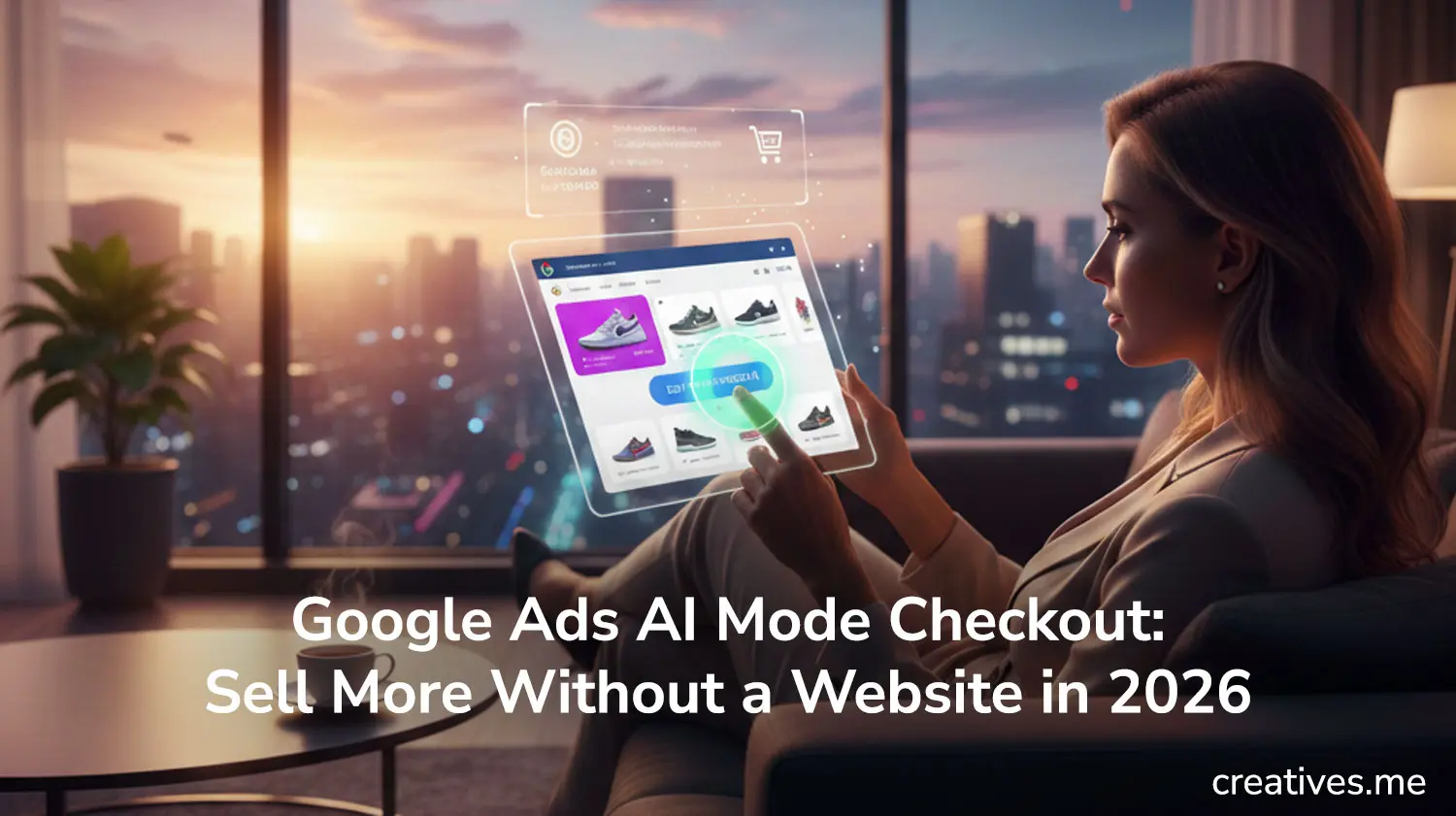
In February 2026, Google officially solved this with AI Mode Checkout (powered by the Universal Commerce Protocol). Now, users can find your product, select their size, and pay—all inside the Google Ad.
They never see your website. And your sales go through the roof.
Here is how to master the “Zero-Click” sale.
1. The End of the “Landing Page” Bottleneck
For decades, we’ve obsessed over landing page optimization. But Google’s AI is now faster than your best developer.
When a user triggers an AI Mode ad, Google pulls your product data, reviews, and shipping info into a native interface. Because Google already has the user’s payment info and shipping address saved, the “Buy” process takes two taps.
The Strategy: Don’t delete your website, but stop using it as the primary destination for “High-Intent” shopping queries. Let Google’s AI handle the transaction while you focus on the brand experience.
2. Syncing Your “Merchant Center Next” Feed
To use AI Mode Checkout, your data must be perfect. If your feed says a product is in stock but your site says it’s sold out, Google will disable your “Buy” button instantly.
How to do it:
- Use the new Real-Time API in Merchant Center Next.
- Ensure your Shipping and Returns schema is updated. Google won’t show the “Buy” button if it can’t calculate the exact delivery date.
- Optimize your Product Titles for AI. Instead of “Blue Shirt,” use “Breathable Organic Cotton Slim-Fit Navy Blue Shirt.”
3. The Pro vs. Con: Data vs. Dollars
There is a catch. When a user buys through Google AI, you get the sale, but Google keeps the “Top-of-Funnel” data.
The Twist: Use the money you save from lower Customer Acquisition Costs (CAC) to invest in Post-Purchase Marketing. Since you get the customer’s email with the order, immediately move them into an AI-driven email sequence to build brand loyalty after the sale.
4. How to Set It Up (Step-by-Step)
- Enable UCP: Go to your Google Ads account settings and opt-in to the “Universal Commerce Protocol” pilot.
- Verify Payments: Link your Stripe or PayPal Business account to Google Merchant Center.
- Launch “Transaction-First” Campaigns: Select the “Sales” goal and toggle on “Enable Native Checkout.”
Conclusion
The future of e-commerce isn’t about having the prettiest website; it’s about having the fastest transaction. Google’s AI Mode Checkout is a gift to brands that want to scale quickly. By removing the friction of a traditional website, you aren’t just getting more clicks—you’re getting more customers.
Are you ready to let Google handle your checkout? Or are you afraid of losing control over your website traffic?
Ready to make AI data-driven decisions for your brand?
Creatives can help!
Our team of AI-powered digital marketing experts can guide you in harnessing the power of data to achieve your marketing goals.
Schedule a consultation to learn how our AI-powered solutions can drive growth.