
What are SERP Features?
SERP Features
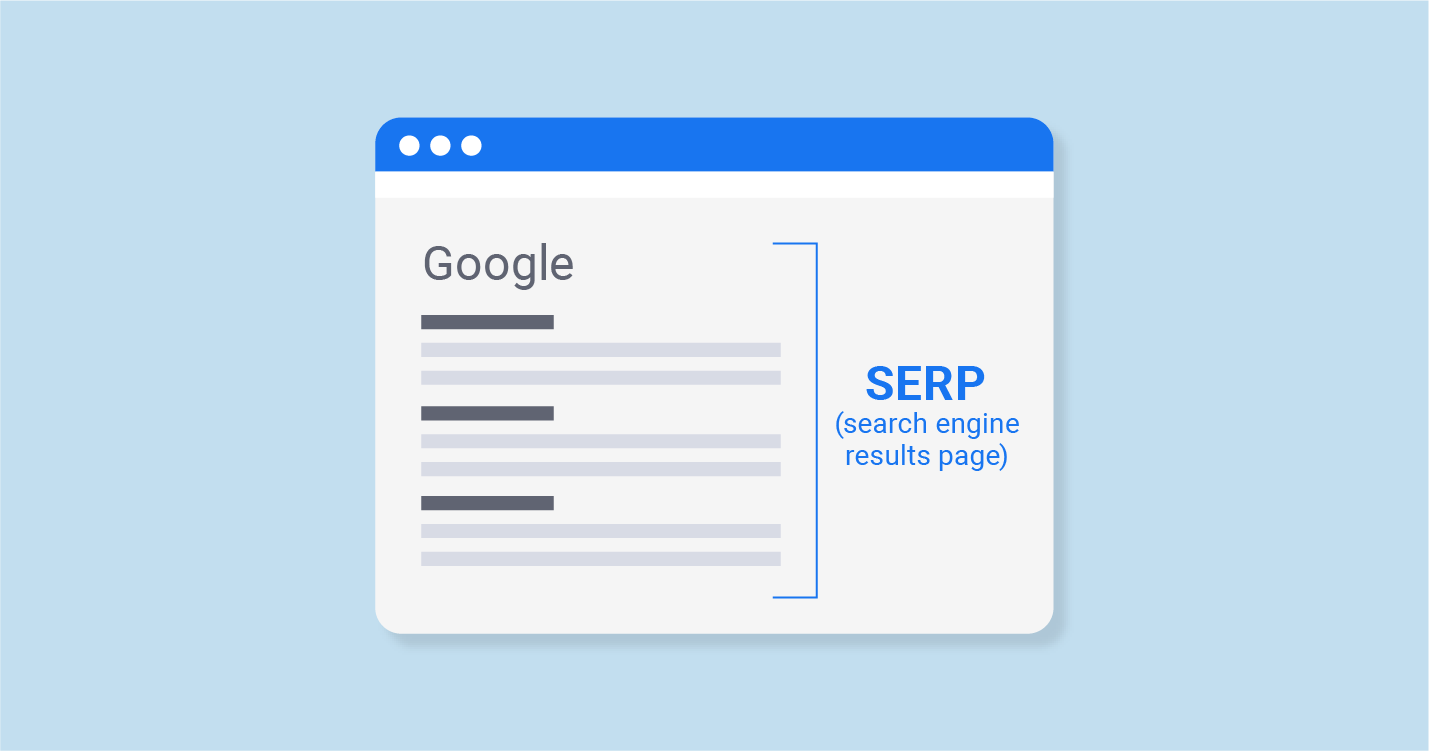
SERP features are non-traditional search results returned by Google; these SERP features usually expand the organic search results to include richer content and visuals.
With the launch of our new SERP Features Analysis tools, giving you the ability to track every feature, we explore their individual importance, and how best to optimize your content to perform for them.
Most Important SERP Features
Advertising Banks
Every digital marketer and SEO professional knows there are two types of Google search results — organic results and paid results.
Although there’s a unique system in place for ranking paid ads, as well as a strategy for making sure your ads make the grade, you can always count on paid results to appear in certain key sections of a SERP.
These days, those sections occupy the positions directly above and below a SERP’s organic results.
You can improve your Google Ad rank by ensuring your ads are relevant and well-composed, as well as by increasing your max bid.
Featured Snippets
A featured snippet is a dynamic box that showcases a section from one of the top organic results on a given SERP when a searcher completes an informational query.
If your search includes one, it will be located directly below the upper ad bank but above the other organic results. Many marketers call the featured snippet “position zero” for this reason.
You can increase your chances of snagging a featured snippet by making sure you rank within the top ten search results for relevant queries.
You’ll also want to focus on informational intent by directly answering questions searchers are likely to ask when seeking pages like yours.
Rich Snippets
Rich snippets look a lot like standard organic search results. However, they contain extra lines of additional information right at the bottom.
What those lines contain depends on the search query. For example, a rich snippet within a SERP for a recipe query might contain calorie information or cooking time, while a movie-related example might show runtime or rating instead.
You can optimize for rich snippets by creating a structured data markup for your marketing site.
This helps Google better understand your data, making it easier for it to be chosen for a rich snippet-style feature.
Direct answer box
The direct answer box appears when users ask a question that has an immediate answer. These boxes contain short pieces of information that are public-domain facts.
Google does not credit the digital information in this box because it’s deemed to be common knowledge.
This is one feature that your business has no control over and cannot optimize your site to be featured in this box. Brands are not eligible to appear in this box because the answers in this box contain public domain information.

Knowledge graphs and panels
They are common features in the Google SERPs.
Knowledge graphs
It displays images, information, and facts about a certain marketing topic. Google scrapes the information from Google data and external sources. These boxes typically appear at the top of the search results next to the organic search results or paid ads.
Knowledge panels
The biggest difference between knowledge panels and knowledge graphs is knowledge panels only pull information from Google Business Profile or Google Maps. Knowledge panels focus on helping people find information about businesses near them.
Generally, you’ll be optimizing for knowledge panels over knowledge graphs. The best way to optimize for knowledge panels is updating your Google My Business account and keeping your listing accurate. An accurate, up-to-date listing will drive more leads for your business.
Paid results
Paid search results commonly appear in search queries. These are pay-per-click (PPC) ads and companies pay to have their ad featured at the top of the search results. These ads can also appear at the bottom of the digital page.
Many companies use PPC ads to help leads find their business first. They are tagged with the word “ad” to indicate paid content.
To start running a paid ad, you must choose keywords. Keywords determine where your ad appears in search results. If you want to appear in the most relevant search results, you must choose the right keywords for your digital campaign.