
Facebook Business Manager for Marketing
Do you like to advertise your business or promote your business on Facebook? You are in the correct place! This article is an excellent choice to learn how to set up an account on Facebook and launch your marketing.
As you know, Facebook is one of the leading social media platforms used for many reasons. With its features, you can use Facebook nowadays in managing a business, especially with Facebook Business Manager where you can launch your first advertising, start your digital marketing and improve your investements.
In this blog, let us give you a quick how to set up your Facebook Business Manager account and how you can access it.
Facebook Business Manager: Definition and Benefits
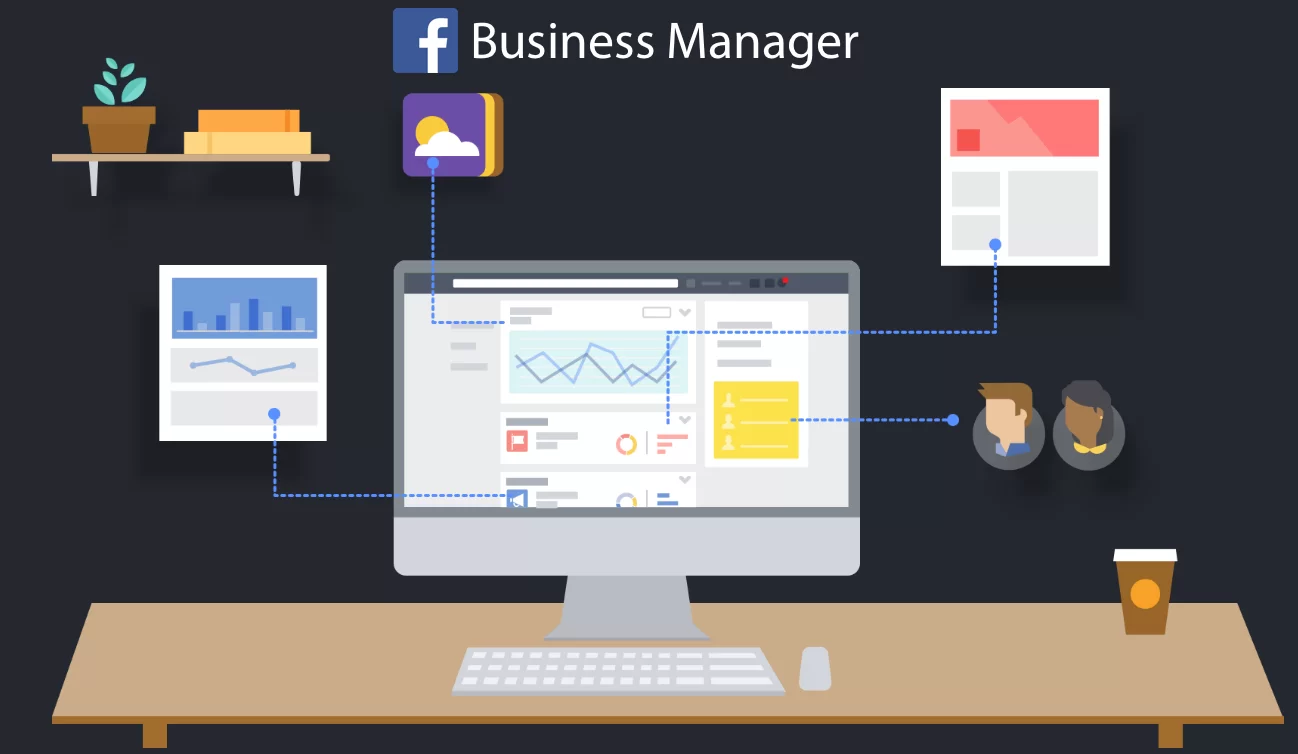
As its name said, Facebook Business Manager refers to a free tool provided by Meta that helps you manage and organize all your business. Such as ad accounts, business pages, Instagram accounts, and many other meta-features. You can even add employees, agencies, or any other partners to help you manage your account securely without necessarily having over ownership of your Page or assets. Thus, Facebook Business manager has many benefits:
- It separates your personal profile from your business page.
- Facebook Business Manager helps you organize your efforts by managing multiple Facebook Ad accounts and pages in one place.
- In addition to letting your employees easily access your Facebook account, your Facebook Business account allows you to easily revoke access for people who no longer work for you. Thus, it gives you high-security maintenance.
- Certainly, every employee in your company has a different role, thus, Facebook Manger Business let you control how much access each employee has, based on their role. Again, it provides you a good organization of your efforts.
- Also, as mentioned before, Facebook Business helps you share access with numerous persons in a secure manner. You may grant agencies, partners, or suppliers access without granting them control of your company’s assets.
- For different ad campaigns, Facebook Business Manager builds different custom audiences. This feature helps agencies that have to run ads for multiple customers, as well as brands that have several fields.

How to create a Business Manager account?
Before you begin, you must have a personal Facebook profile to confirm your identity. Also, a Facebook profile is needed to create a Business manager account with its username and password.
P.S: You can create only 2 Business manager accounts. A partnership with someone else in your company helps you to create more accounts.
Then, you can follow these tips to create your manager account.
- Go to business.facebook.com/overview.
- Create account
- Enter a name for your company, your name, in the pop-up screen.
- Enter your email address, so you can receive updates about your account then click Next.
- Enter your business details such as your physical address, phone number, and your company’s website, then click Submit.
- After that, go to the email address you previously supplied and confirm the email address to finish the first setup.
Remember, Facebook Business Manager is one of the best options to start your business and reach more people and increase your marketing.